
_Blog
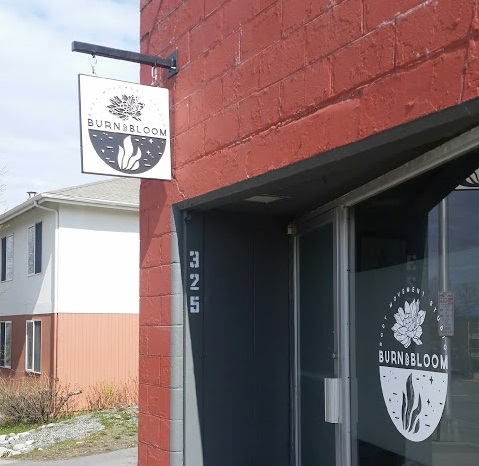
Creating a sign that Burns and Blooms — Anchorage MakerSpace
January 7, 2020
Materials needed: Two 30’x30x½” sheets of Sintra, black acrylic paint, off-white acrylic paint, paintbrushes, and 120″ of 1″ angle iron Machines used: Multicam (CNC) router, welder Software used: Aspire Classes necessary to replicate: CNC training, welding 101 class While there’s a long list of reasons to join Anchorage MakerSpace (that we’d love to speak with
Read More…
Introduction to Flame-Working with John Vinson
December 28, 2019
As the winter (finally) gets colder and holidays wander by, what better way to keep warm than in front of torches over 2000°F? Alongside lifelong professionals like John Vinson, this is the year for students at Anchorage MakerSpace. We’re formulating plans for a variety of classes to help you create resolutions you’ll actually keep. Instead
Read More…
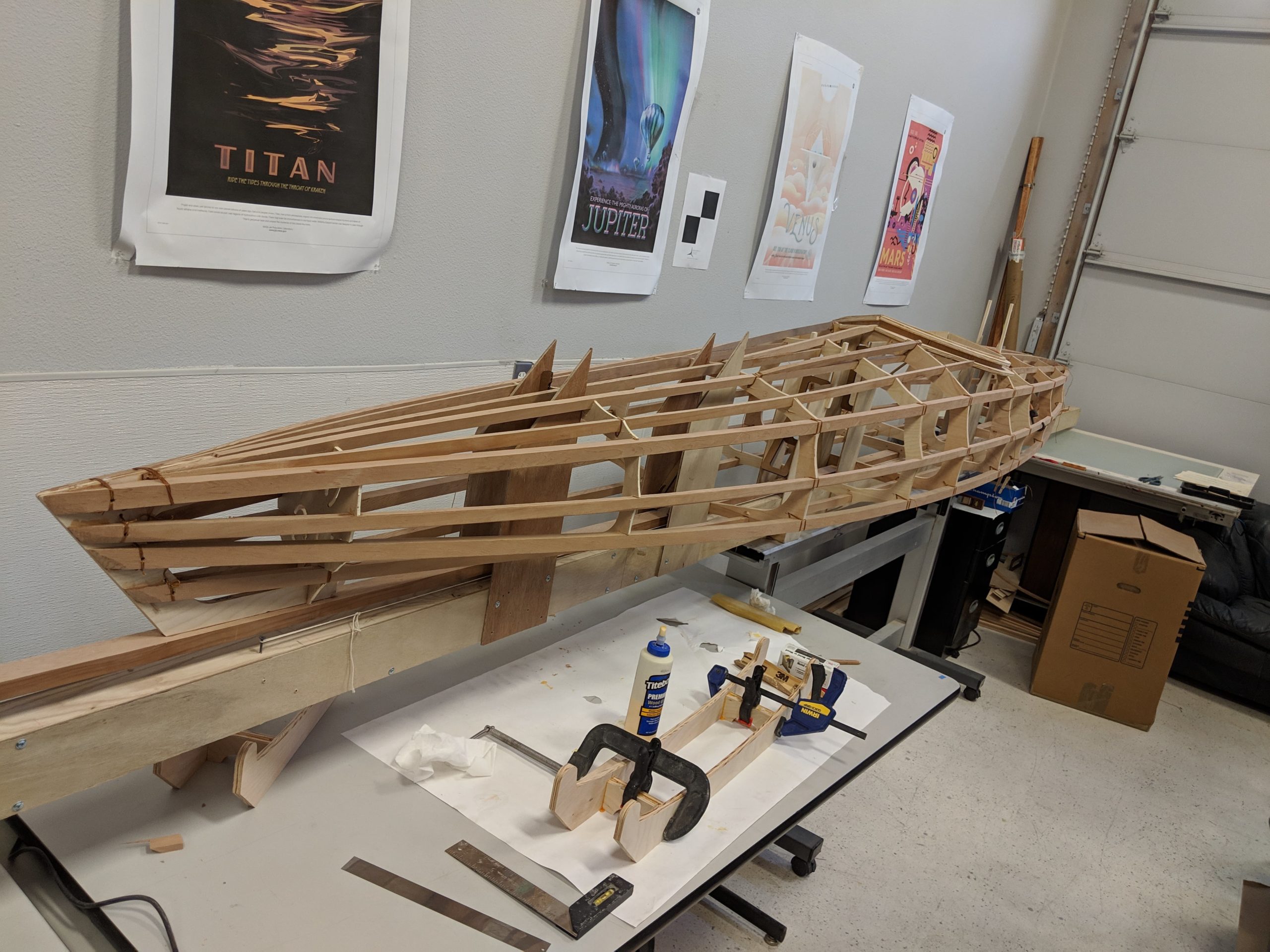
Building A Kayak With Robert Koontz — Anchorage MakerSpace
December 24, 2019
Materials needed: ⅛” sheet wood & multi-length stringers, milled from 2’x8′ clear cedar board Machines used: Computer Numerical Control (CNC) machine, laser cutter, and table saw Software used: Fusion360 Classes necessary to replicate: CNC class, laser cutting class, and 3D modelling class To start off any ambitious project—such as a 17-foot kayak—begin with a
Read More…
ADN: “Making it work: Anchorage Makerspace creates a hub for Alaska DIYers”
April 27, 2017
We were recently featured in a great article in the Alaska Dispatch News! On a recent evening in a workshop in Anchorage’s Spenard neigborhood, a group of people gathered around a laser cutter to chart the machine’s progress engraving a chunk of wood. With some assistance from instructor Jess Austin, Andrew Cater pulled up his
Read More…
Laser Cutter Advanced Workshop
July 2, 2015
Thursday, July 23th. 6:00 PM – 7:00 PM Level up you Laser Skills with Erskine Frank’s Advanced Workshop. This class includes materials as well as some basic 2D software instruction. Level Up Your Laser Skills! Example Project to Work On Lesson includes 2D Design Software, Cutting & Assembly Members | Cost: None Non-Members | Cost:
Read More…
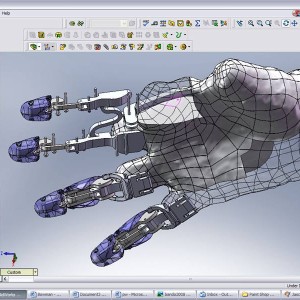
Intro to SolidWorks | Taught By Marc Boas
June 16, 2015
Learn the Basics to SolidWorks with Marc Boas! SolidWorks is a solid modeling 3D graphics software. The system can be used for rapid prototyping as well as reverse engineering. Use basic principals and geometric designing to create designs for use in sheet metal manufacturing, injection molding, welding and more. Class Price: FREE for Members! Not
Read More…
Blender 3D Software Class | Taught By Marc Boas
June 9, 2015
Intro to Blender, the free 3d editing and animation software. Check out this well established open source software and the amazing capabilities it has for 3D graphics, animation as well for video games! Graphic specialist, Marc Boas will be instructing the class. More classes coming including Intro to SolidWorks. You’ll get a quick into to various
Read More…

Build A Robot | National Robotics Week
April 3, 2015
Join us at the Anchorage Maker Space as we celebrate National Robotics Week and Build a Robot! Experience: Beginner – Intermediate Taught by Robotics Specialist Dustin Mendoza and Clynce Carillo Prerequisites: Laptop, Basic Algebra and Problem Solving Skills Two Age Group Classes to Choose from: 12yrs- 18yrs & 18+ Saturday, April 4th 10am-12pm (Age Group:12 yrs – 17yrs) Saturday,
Read More…
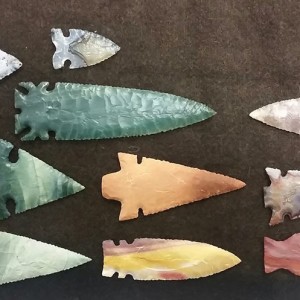
Introduction to Flintknapping | Ancient Knife Making
January 5, 2015
Introduction to Flintknapping http://groupspaces.com/AnchorageMakerSpace/item/821883 Saturday/Sunday – Jan 17-18’th 1pm-4pm both days Cost: $250 – Materials and tools provided Class limit : 20 People – Ages 18+ Taught by: Brian Schuch and Randy Tedor Location: Anchorage MakersSpace 1406 W 33rd Ave, Anchorage, AK 99503 This 2 day class will be a must have for anyone wanting
Read More…
Mobile Device Screen Repair Class, Session 1
December 6, 2014
Saturday, December 6, 2014at 12:00pm – 2:00pm Anchorage MakerSpace Broken screens on your phone or tablet? We have likely all had it happen. This 2 class series will instruct you on how to find the correct parts and install them. Don’t pay outrageous fees to replace the broken screens on your device. Just take this
Read More…
Recent Comments